
作者:Emma Carter · 2026年9月20日
15 Kids Menu Ideas That Parents Actually Love
Families don't choose restaurants — children do, and the kids menu is how you win the vote.
A good one does three jobs at once: it gives children something they'll actually finish, it gives parents food they don't feel guilty about, and it gives the kitchen something profitable and fast.
Here are 15 kids menu ideas that do all three, grouped by what they change: the food, the design, and the experience.
Key takeaways
- Mini versions of real dishes plus one "grown-up door" beat a fried greatest-hits list.
- Design for the reader: one page, big type, a photo beside every item, bare-numeral prices.
- Crayon zones, sticker passports and photo desserts turn the menu into the evening's activity.
- Print for the table, publish for the check-ahead — one system, both current.
What makes a great kids menu?
Five to eight items, not thirty. Real food in small form, not a fried greatest-hits list. Prices that make the family math work.
And a page a five-year-old can navigate alone — because the child who can point at their own dinner is a child whose parents get to finish a conversation.
Menu design here is still menu design: "the design of a menu to maximize restaurant profits" (wikipedia.org), applied to crayons.
15 kids menu ideas, grouped
Food ideas — what's on the plate
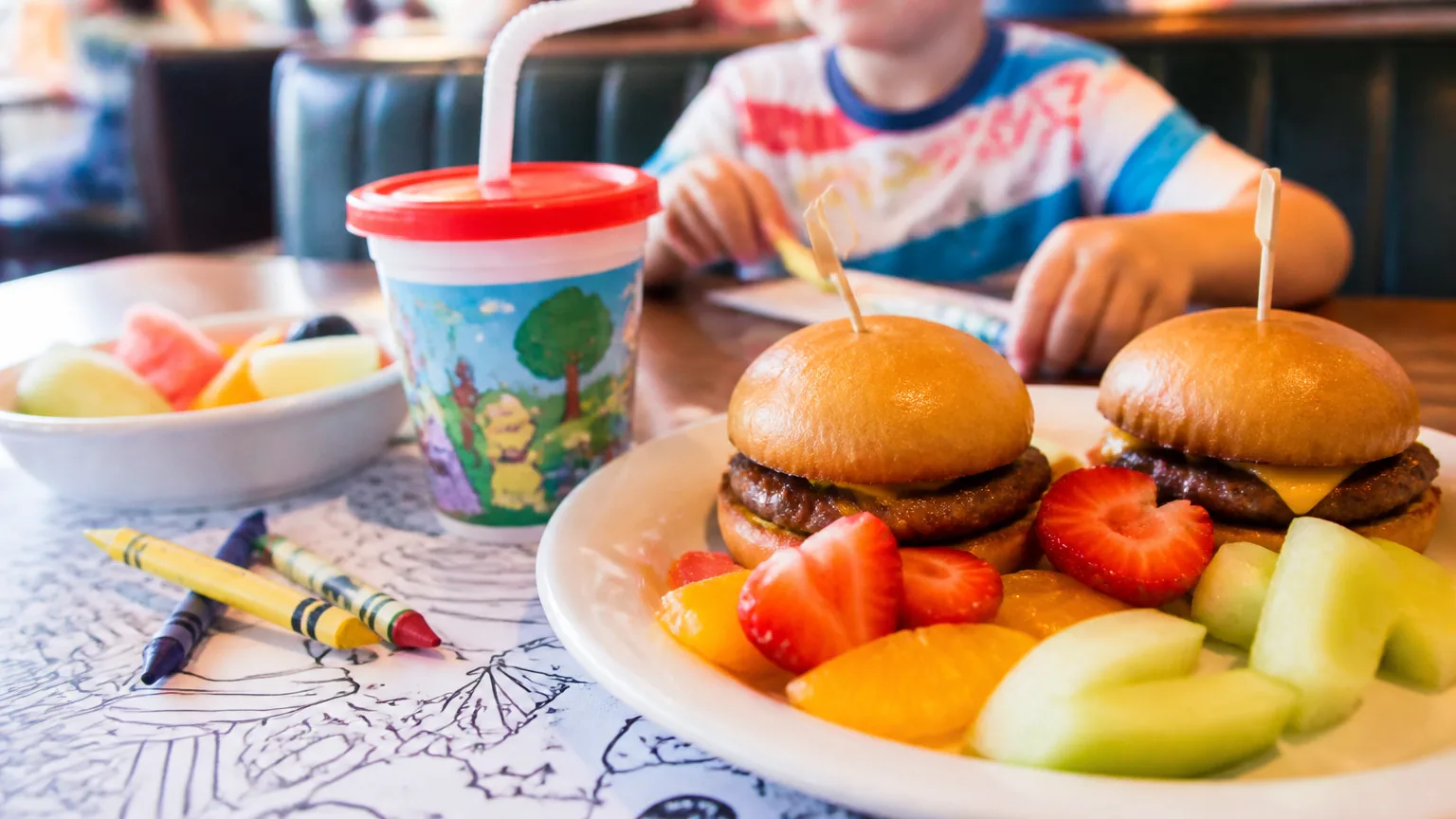
- Mini versions of your real dishes. A third-size bolognese or a two-rib portion tells parents "your child eats here, not at a nugget dispensary." Same prep, same ingredients, smaller plate — and it quietly markets your mains to the next generation.
- Build-your-own plates. Taco kits, DIY pizzas, a burger they top themselves. Children eat what they assembled — it's the oldest trick in the parenting book, and it turns picky eating into a game you win.
- The tasting trio. Three two-bite items on one plate — a protein, a fruit, something adventurous. It respects small appetites, photographs beautifully, and moves the vegetable the child would never order alone.
- One "grown-up" door. Offer to half-portion any main at half price. It costs nothing to print, rescues the family whose child wants the salmon instead of orange mac and cheese, and signals confidence in your kitchen.
- Breakfast all day. Pancakes and scrambled eggs at 6 p.m. are the most reliable order in family dining. One egg-and-toast line item covers the child who will not eat dinner.
- The stealth vegetable. Hide it in plain sight: carrot sticks shaped as fries with a yogurt dip, corn in the fritters. Parents notice the effort; children notice the dip.
Design ideas — how it looks
- One page, big type. The kids menu is read at arm's length by a wiggly reader. Big names, small list, no scrolling — if it's digital, it's one screen.
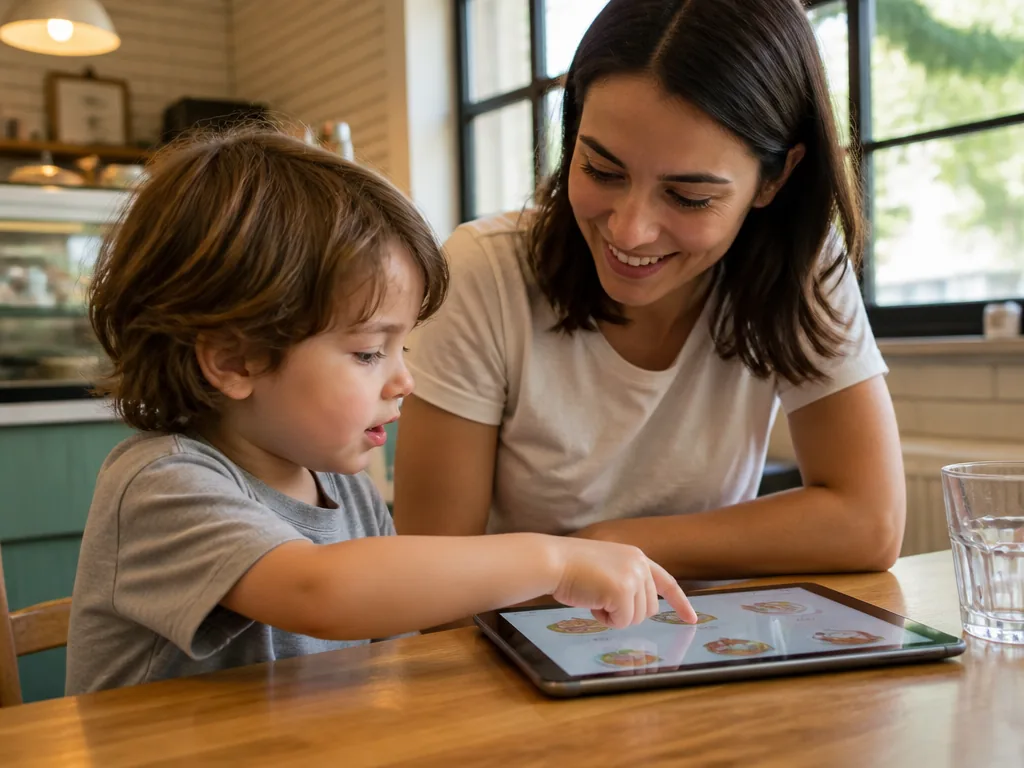
- Pictures beside every item. Pre-readers point; photos close the sale. Menus with images outsell text-only ones on delivery platforms, and DoorDash tells merchants plainly that menus "with header images and logos often get more monthly sales" (merchants.doordash.com) — the same logic applies to guests who can't read yet.
- A color and crayon zone. Half the page is the menu; half is blank space with a "color the pasta" prompt. Crayons at the host stand. The menu becomes the activity, and the activity buys the parents ten quiet minutes.
- Bare-numeral prices. Parents are the ones paying, so the same psychology applies: in a Cornell study, diners spent about 8% more when menus dropped dollar signs (news.cornell.edu). On the kids line it reads as "5" — a small number, honestly presented.
- Name dishes for kids, not chefs. "Little Bear Pancakes" beats "Junior Breakfast Platter." The name is part of the meal; keep it two words long and pronounceable by a six-year-old.
Experience ideas — how it feels
- The healthy default drink. Water or milk as the automatic pairing, soda as the ask. Parents notice which restaurants make the healthy choice the easy one — it costs you nothing and earns a specific kind of loyalty.
- A sticker passport. Repeat family visits get a stamp or sticker; five visits earns a free dessert. Loyalty programs for grown-ups do exactly this, and children are the most brand-loyal creatures on earth.
- The photo-moment dessert. One dessert designed to be photographed — a sundae with a sparkler, a waffle with a face. Parents post it, your café gets seen, and the child's birthday is suddenly your marketing.
- A QR game on the digital menu. If your menu lives on a QR code menu page, link the kids section to a simple "find the ingredients" maze while the food comes. It's the paper placemat, refreshed — no app download required.
Should kids menu items have photos?
Yes — more than any other menu section. The reader is often pre-literate, and the buyer is often trying to prevent a meltdown, so recognition is the whole job.
Shoot the actual plates, keep the lighting bright and even, and use real photos of your food rather than cartoon stock — parents are calorie-literate now, and they trust what the kitchen actually serves.
If your shots need cleanup, the free credits on our AI food photo editor handle the yellow-light problem in minutes.
How much should kids menu items cost?
Two to four items per main, priced so the family's total bill stays believable: parents anchor on the kids menu as "the reasonable part" of the check.
Keep the numbers bare — a "5" reads lighter than a "$5.00+", and the Cornell evidence above says the lighter read pays. Bundles (item + drink + applesauce) do well here because they remove negotiation from the table.
Should the kids menu be printed, digital, or both?
Both, with different jobs. The printed sheet is the crayon canvas and the takeaway.
The digital version — one page on your menu maker site — is where updates happen: when the mac and cheese runs out at 7 p.m., you hide it in seconds instead of explaining it forty times.
Families check menus online before they visit, so the kids section should live on the public menu, not just on the table.
FAQ
How many items should a kids menu have?
Five to eight. Young children order from a short list faster, kitchens execute a short list better, and parents scanning it are usually multi-tasking. Bigger menus slow all three down.
What age range should a kids menu target?
Design for roughly ages 3-10 — readers and pre-readers. Above that, half-portions of mains (idea 4) serve the family better than a separate card.
How do I make a kids menu for free?
Build it as a one-page section in a free menu builder and add photos of your real plates — building and editing are free, and publishing the menu so families can check it before visiting comes with a Starter or Pro plan. MenuLolo's free tier covers one menu with five dishes, photos included.
What drinks should a kids menu list first?
Water and milk — as the default, with soda as the ask. It's the single cheapest trust signal on the page.
Quick recap
- Mini versions of real dishes + one "grown-up door" beat a fried greatest-hits list.
- Design for the reader: one page, big type, a photo beside every item, bare-numeral prices.
- The crayon zone, sticker passport and photo dessert turn the menu into the evening's activity.
- Healthy-default drinks cost nothing and earn parent loyalty.
- Print for the table, publish for the check-ahead — both, in one system.
For the wider design system these ideas sit in, our cafe menu ideas guide and menu design tips cover the grown-up pages too. And for the course kids ask about first, our dessert menu ideas turn the last page into the most profitable one.