
作者:Sarah Mitchell · 2026年9月18日
AI Menu Makers: How They Work & What to Expect
Restaurants are adopting AI faster than almost any other hospitality technology. In a 2026 survey of more than 420 operators by Restaurant365 — reported by The Food Institute — back-office AI adoption had more than doubled since January, and 88% of AI users reported saving time every week.
Menu building is the newest front. An AI menu maker promises the same deal: describe your restaurant, get a working menu in minutes instead of evenings.
Key takeaways
- An AI menu maker turns a dish list into a structured, written, designed first draft.
- AI drafts, you direct — honesty and voice edits stay yours.
- Build and preview on a free tier before paying anything.
- Small presentation choices — bare-numeral prices, tight categories — compound.
- Pair the page with a QR code menu so same-night updates reach every table.
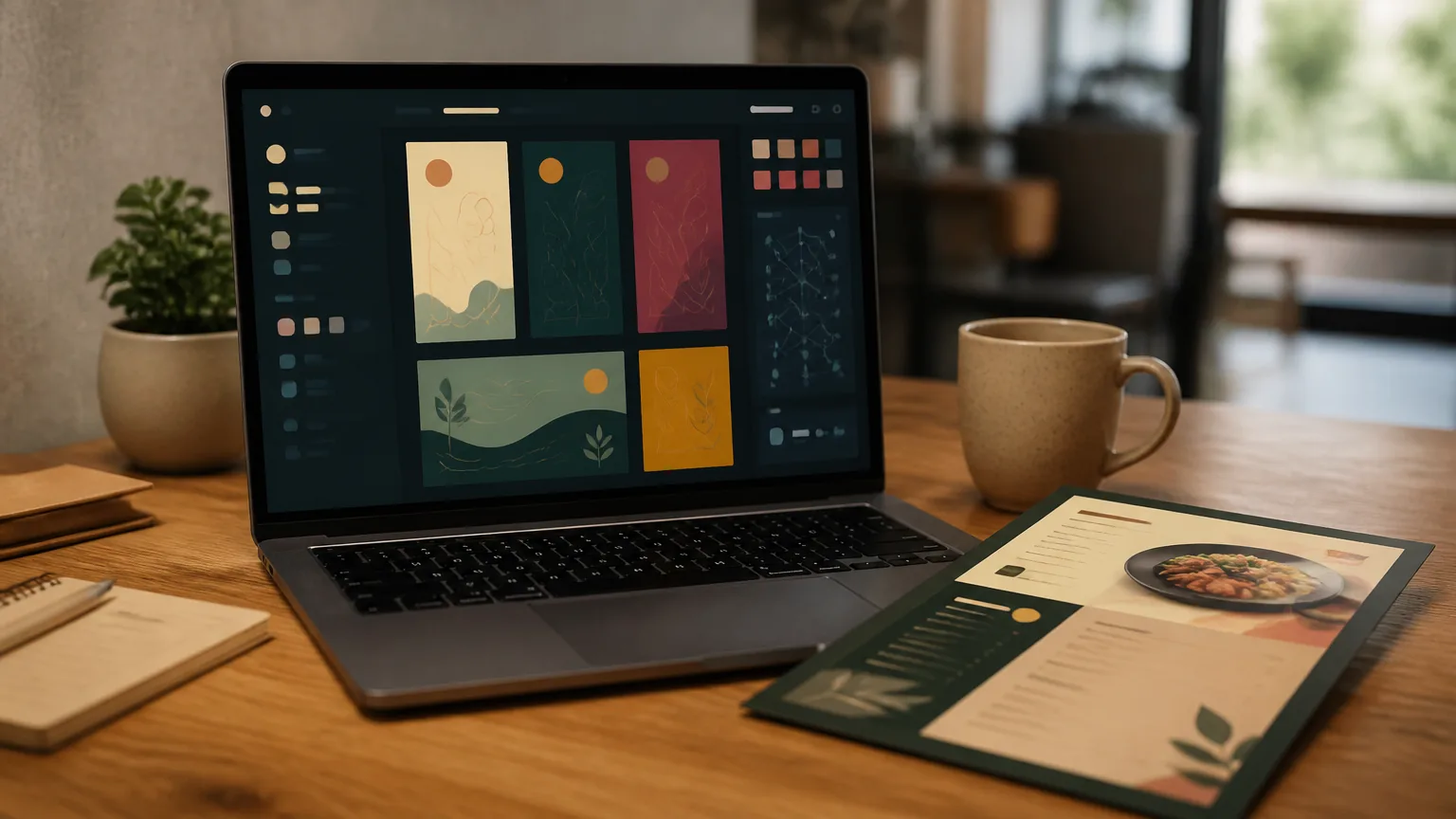
This guide explains what AI menu makers actually do, where they genuinely save you time, where they still need a human, and how to pick one.
What an AI menu maker actually is
An AI menu maker is a tool that generates menu structure and content from your input. You describe your restaurant type, paste your dishes or a photo of your old paper menu, and the tool produces an organized draft.
Good ones handle three jobs. They structure — categories, item order and sections that follow how guests actually read. They write — descriptions turned from ingredient lists into appetizing lines. They design — a coherent layout with typography, colors and spacing handled for you.
What separates an AI menu maker from a plain template library is the draft step. Templates give you empty boxes. AI gives you a first version to react to, which is usually the hardest part of menu work.
What AI does well today
Structure from chaos. Give it twenty dishes in any order and it returns sensible categories. This alone saves an hour of sorting.
Description upgrades. "Salmon, lemon, butter" becomes "charred lemon salmon with herb butter". The AI knows sensory words sell — the same principle behind every good menu, from choice limits to price presentation covered in our menu design tips.
Consistent formatting. Prices aligned the same way, descriptions capped at one line, category counts kept tight. These are the discipline rules of menu engineering — exactly what an AI menu maker enforces without getting tired.
Where you still need a human
Honesty. AI will happily invent "wood-fired" for a dish cooked under an electric grill. Every description must be checked against what the kitchen actually serves — the same rule that keeps edited food photos honest.
Pricing psychology. Anchors and highlight choices are strategy, not formatting. The AI can build the box; you decide which dish deserves it.
Your voice. A Brooklyn ramen counter and a fine dining room should not sound the same. Edit the draft until it sounds like your place.
How to choose an AI menu maker
Five checks before you commit:
- Output you own. You should get a live web menu, not just a PDF — a real menu maker publishes an updateable page, which is what makes later edits free.
- Photo handling. It should accept your real dish photos — retouched in an AI food photo editor — rather than generating fake ones. Guests order what the kitchen actually serves.
- Mobile-first preview. Most guests will read this menu on a phone — check the phone view before the desktop view.
- Editing speed. Price changes should take seconds. Ask to see the edit flow before signing up.
- A free tier. You should be able to build and preview before paying. MenuLolo's AI menu maker works this way: describe your restaurant, get a structured draft, and preview it free — publish it to guests when you choose a plan.
Common mistakes first-timers make
Publishing the draft unedited. The AI draft is a starting point, not a finished menu. Publishing it as-is ships generic descriptions — and occasionally dishes you do not even serve.
Chasing quantity. Twenty categories and eighty items is not ambition; it is decision fatigue. Six to eight categories with tight lineups convert better and read faster on a phone.
Skipping the phone check. The desktop preview always looks good. Open the menu on your actual phone before publishing — most of your guests will never see the desktop version.
Forgetting the printed half. The web menu is only half of a QR menu; the table card is the other half. Print with the quiet zone respected, and scan-test before service starts.
A realistic workflow
The pattern that works: AI drafts, you direct. Paste your dishes, let the tool structure and describe them, then spend fifteen minutes editing for honesty and voice.
Run your prices through one sanity check before publishing. Cornell's menu research found diners spend measurably more when prices appear as bare numerals — small presentation choices compound, and the best AI tools let you apply them in one click.
Then treat the published menu as living. Update it the day prices or specials change — that habit is worth more than any design decision, and pairing the page with a QR code menu makes every update reach the tables the same night.
FAQ
What is an AI menu maker? A tool that generates a structured, written and designed menu draft from your input — dish lists, a photo of your old menu, or a description of your restaurant. You review and edit, then publish as a live web menu.
Will AI write wrong descriptions for my dishes? It can — AI invents plausible details like cooking methods that do not match your kitchen. Treat every generated line as a draft. Check each claim against what the kitchen actually serves before publishing.
Is an AI menu maker better than a template? For the blank-page problem, yes. Templates give you empty boxes; AI gives you a complete draft to react to. For final quality, they are equal — both depend on your editing.
How much does an AI menu maker cost? The useful parts are free at MenuLolo: build, structure and preview a working menu without paying. Publishing the menu for guests needs a Starter or Pro plan — so you should never pay before your menu is ready.
Quick recap
- An AI menu maker turns a dish list into a structured, written, designed first draft.
- AI drafts, you direct: honesty and voice edits stay yours.
- Build and preview on a free tier before paying anything.
- Pair the page with a QR code menu so same-night updates reach every table.
- Small presentation choices — bare-numeral prices, tight categories — compound.
That is the whole playbook. The rest is repetition and a seasonal refresh.