
作者:Emma Carter · 2026年9月18日
Cafe Menu Ideas: 25 Ways to Boost Sales
A great cafe menu does two jobs at once: it helps a first-time guest order fast, and it quietly steers regulars toward the drinks and dishes you make best.
These 25 cafe menu ideas are grouped so you can implement one group per week — five ideas each for drinks, food, pricing, design and operations.
Key takeaways
- Work the 25 ideas in weekly batches: drinks, food, pricing, design, operations.
- Six to eight items per category keeps decisions fast.
- Bare-numeral prices and one premium anchor lift checks.
- Three great photos beat a photo on every dish.
- Update the same day things change — a web menu makes it a two-minute edit.
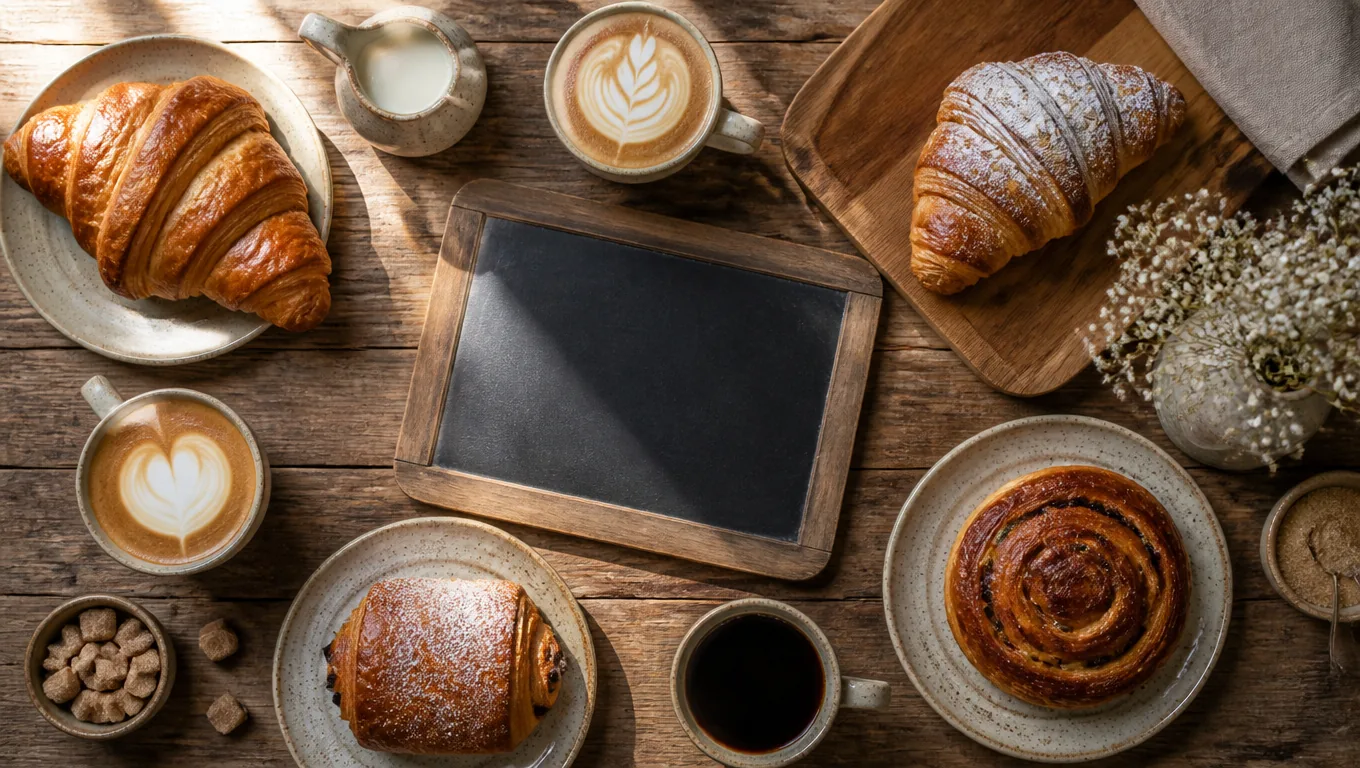
Drinks: the five ideas that matter most
- Name your signature drink. A named house latte outsells "caffe latte with vanilla" because it is impossible to order anywhere else.
- Keep milk alternatives visible. Oat and almond on the menu, not just on request — plant-milk customers check before they queue.
- Offer three sizes, not five. Three options make the middle size feel like the sensible choice. Five sizes make every choice feel like math.
- Add one seasonal special per season. A rotating line gives regulars a reason to look at the menu again — the core advantage of any updateable digital menu.
- Sell the bean, not the roast level. "Ethiopia — floral, citrus" beats "medium roast". Origin is a story; roast level is a spec.
Food: five pairings that raise tickets
- Pair one food to each drink. Croissant with flat white, banana bread with filter — pairing lines sell both items. Sweets carry the highest margin of all: our dessert menu ideas cover the playbook.
- Keep a "right now" case item listed. Your best pastry today, named on the menu. Sold out? Remove it in seconds with a QR code menu.
- Mark dietary tags clearly. V, GF icons cut questions at the counter and speed the queue.
- Add a kids option. Even two items — steamed milk and a small toast — capture the family trade.
- Keep food items countable on one hand per category. Cafes drown in choice; six to eight items per category keeps decisions fast.
Pricing: five menu design ideas that lift checks
- Drop the currency symbols. Cornell's field research found diners spent about 8% more per check on menus with bare numerals — the "pain of paying" fades when the "$" does.
- Anchor each category once. A deliberately premium item makes everything beside it feel reasonable.
- Bundle a morning combo. Coffee plus pastry at a small discount raises the average ticket with zero new products.
- Cap categories at six to eight. The classic menu engineering guideline — cutting your weakest items usually raises the rest.
- Skip the price column. Let the price follow the description; a straight rail of numbers invites comparison shopping.
Design and photos: five ideas that build trust
- Front-load your three bestsellers. Guests read menus top-down — the first screen on a phone is your best shelf.
- Use three great photos, not thirty. A few excellent shots signal kitchen pride; a photo on every item cheapens the menu.
- Shoot by the window. Daylight food photos are free and better — our phone food photography guide covers the three angles you need. And if the photos also feed delivery apps, DoorDash's listing rules require clear, well-lit shots without text overlays.
- Fix weak photos, not the layout. Uneven photo quality is the real problem behind most ugly cafe menus. An AI food photo editor corrects light and color in one pass.
- Keep fonts readable. Body text below 12 pt in print or 16 px on screen loses the over-45 crowd — see our menu fonts guide for pairings that work.
Operations: five ideas that keep the menu alive
- Update the same day things change. Sold-out items and new specials go in immediately — a web menu makes this a two-minute edit instead of a reprint.
- Write one-line descriptions. Sensory words, one evocative line per item — full formulas in our guide to menu descriptions that sell.
- Track what photos and boxes actually sell. Once a month, check your sales mix and make one edit.
- Put the menu where guests already look. QR table cards, the counter, your Instagram bio — one web menu feeds all of them.
- Show the queue the menu. A screen or card at the counter kills the "I'll decide at the register" panic that slows your line.

Where to start
If you change one thing, make it idea 24 — put your menu online today. Every other idea on this list becomes easier once the cafe menu lives on a page you can edit for free. MenuLolo's cafe menu maker gets you from blank page to published in an evening.
A seasonal rhythm that keeps it fresh
Cafe menus earn more when they follow the calendar. A simple rhythm: one iced and one hot special in summer, a spiced drink plus a pastry pairing in autumn, a festive combo in December, and a lighter "new year" lineup in January.
Each rotation is one edit to your existing categories — not a redesign. Because the menu lives online, last season's specials disappear the morning after they sell out, and the new ones appear before the first customer asks. That is the quiet compounding advantage ideas 21 to 25 are built on: small, regular edits that keep the cafe menu feeling alive without ever reprinting anything.
FAQ
How many items should a cafe menu have? Six to eight per category, and no more than five or six categories total. Long cafe menus slow the queue and bury your bestsellers.
What drinks should every cafe menu include? An espresso baseline, one named signature drink, one filter option with an origin story, one non-coffee option, and one seasonal special that rotates.
Should cafe menus show prices? Yes — clear prices speed the queue. The research-backed detail is presentation: bare numerals instead of "$4.50", with no aligned price column.
How often should a cafe update its menu? Prices and sold-out items the day they change, a seasonal special every quarter, and one design review a month. A QR code menu makes all three free.
Quick recap
- Work the 25 cafe menu ideas in weekly batches: drinks, food, pricing, design, operations.
- Six to eight items per category keeps decisions fast.
- Bare-numeral prices and one premium anchor lift checks.
- Three great photos beat a photo on every dish.
- Put the cafe menu online first — every other idea on this list gets easier.
That is the whole playbook. The rest is repetition and a seasonal refresh.