
著者:Daniel Reyes · 2026年9月20日
Free QR Code Menu: 5 Options Compared (2026)
Yes, a QR code menu can be genuinely free — the QR code itself is an open technology, and every route below costs nothing to start. What varies is what "free" covers: the QR code, the menu behind it, updates, or none of the above.
This guide compares the five realistic options so you can pick one before you print anything.
Key takeaways
- A QR code menu has three free routes: a static code to a PDF, free menu platforms, and free tiers of paid systems.
- The static route is free but reprints on every price change; platforms carry caps; ecosystems carry lock-in.
- MenuLolo: build, edit, preview and QR downloads are free; publishing to guests needs Starter or Pro.
- Print with a four-module quiet zone and test-scan from table distance.
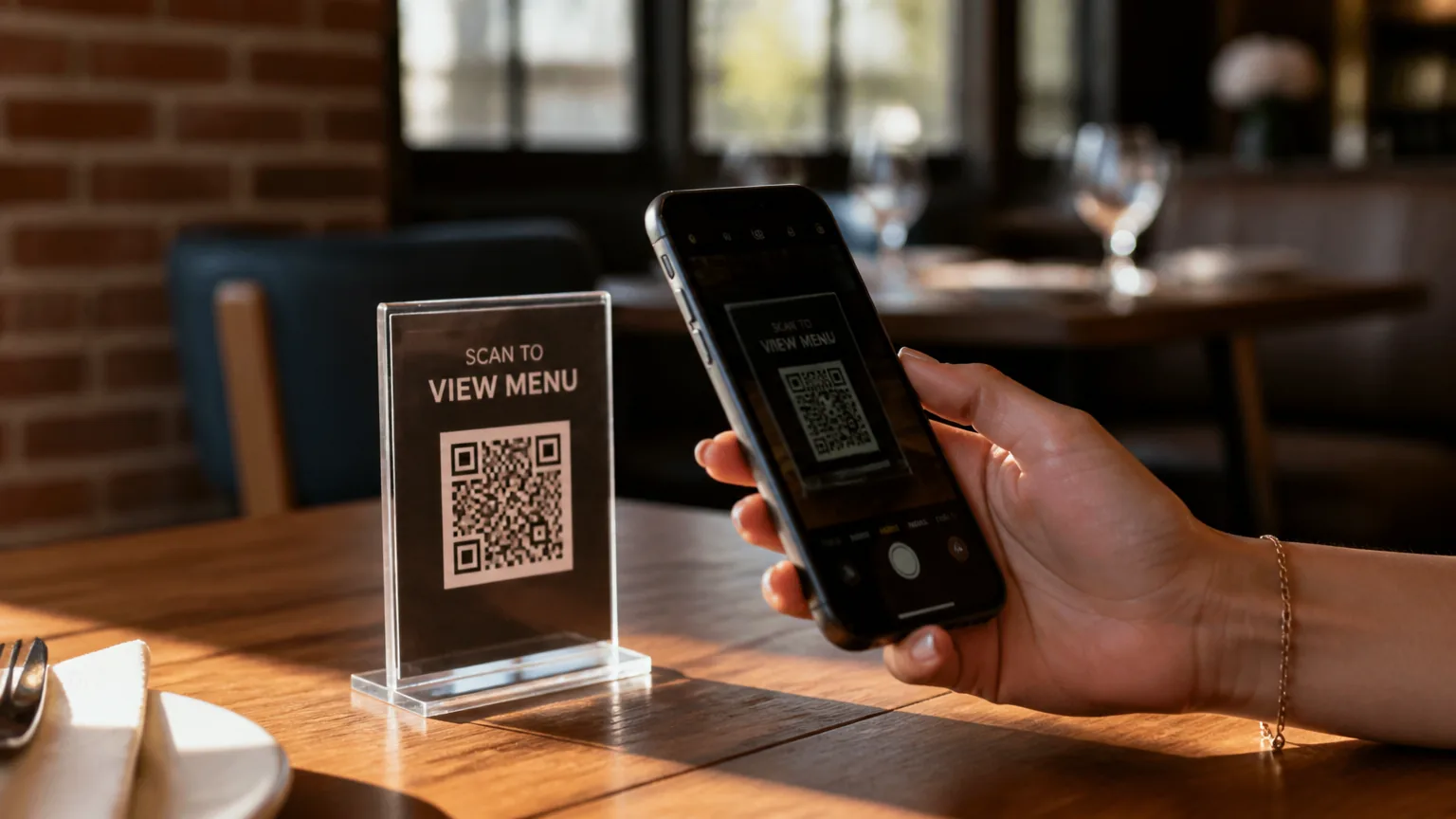
What does "free QR code menu" actually cover?
"Free" means at least one of three things, and vendors blur them on purpose. You can generate the QR code free, host the menu free, or use the free tier of a paid system. The table below is the honest map.
| Route | What you get free | Typical limits | Best for |
|---|---|---|---|
| Static QR → PDF or image | A QR code that opens a menu file you host anywhere | Reprint or re-upload for every price change | Pop-ups, events, rarely-changing menus |
| Free QR menu platforms | A browser editor and a hosted web menu | Watermarks, item caps, scan caps, upgrade prompts | Testing the format with zero commitment |
| Free tier of a paid system | A menu builder inside a commerce or POS ecosystem | Features gated to paid plans, ecosystem lock-in | Restaurants already living in that ecosystem |
All three produce a scannable menu. They differ in what happens the week after launch, when a price changes.
Option 1: A static QR code pointed at a menu file
The cheapest route: design your menu in any tool, export it as a PDF or image, generate a QR code that opens the file, and print. Total cost: zero.
This works well when the menu rarely changes — a market stall, a seasonal pop-up, a drinks list that hasn't moved in a year.
It fails the moment prices move: the QR code points at a fixed file, so every change means exporting, re-uploading, and reprinting table cards. Restaurants that change specials weekly burn hours on this.
If you take this route, print the code correctly. The QR standard requires a quiet zone — a clear margin around the symbol where nothing prints.
Denso Wave, which created the QR code, specifies that "QR Code requires a four-module wide margin at all sides of a symbol" (qrcode.com).
Cramped codes scan slowly or not at all, and a code that fails at the table is free in the worst way.
Option 2: Free QR menu platforms
A second group of tools gives you a hosted web menu you edit in the browser, plus a QR code that always opens the current version. No file re-uploads: edit a price, save, and every printed card is instantly correct because the code points at the live page, not a frozen file.
Free tiers here usually carry limits rather than upfront fees. Common ones to check before committing: a platform watermark on the menu, a cap on dishes or categories, a cap on scans per month, and constant upgrade prompts.
None of these are dealbreakers for testing the format — just know which limit you'll hit first.
The trade to watch is durability. Some free platforms are side projects; if the service disappears, every printed card in the room goes dark. Prefer a tool that treats the free tier as a product, not a trial.
Option 3: The free tier of a paid system
Point-of-sale and commerce ecosystems often bundle a menu builder: build the menu free, and the deeper features — ordering, payments, analytics — sit behind their paid plans.
If your restaurant already runs on such a system, this is a reasonable free route; the menu comes along with tools you use anyway.
The cost is lock-in. The menu is usually tied to that ecosystem's ordering flow, which can carry per-order fees, and migrating away later means rebuilding the menu elsewhere.
For a restaurant that wants a menu guests scan and read — rather than order through — this is heavier machinery than the job needs.
What are the hidden costs of a "free" menu?
The sticker price is zero everywhere. The real costs show up in operation:
- Reprinting. Static routes charge you in labor every time a price moves — and prices move constantly. US commercial printing prices rose about 59% between January 2020 and August 2026 per the BLS Producer Price Index, so reprint runs only get pricier.
- Scan caps. Some free tiers count scans and cut you off on a busy Saturday. A menu that fails at peak is worse than one you paid for.
- Watermarks. A "Powered by" footer is fair play on a free tier — but check it doesn't sit between your guests and the food.
- Slow pages. If the menu loads heavy scripts on a weak cellar signal, guests give up. Speed matters more than design polish.
- No photos. Menus with images outsell text-only ones — DoorDash tells merchants that "menus with header images and logos often get more monthly sales than restaurants without images" (merchants.doordash.com). A free route that can't show photos costs you orders.
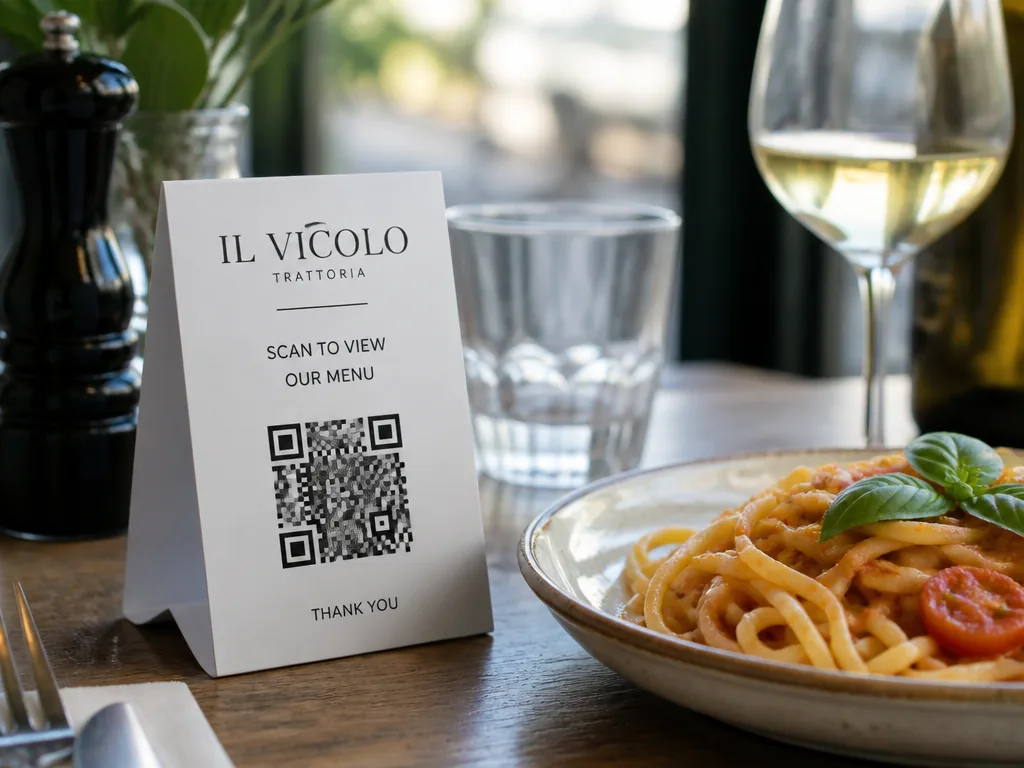
What should a good free QR code menu include?
Whatever route you pick, this checklist separates a menu that works from one that embarrasses you:
- Editable in seconds. Price changes should never involve exporting files or reprinting.
- A QR that points at the live menu, so every printed card stays correct forever.
- A printable, high-tolerance code with a proper quiet zone — 2 cm minimum on a table card.
- Fast mobile loading. Test on your own phone, on cellular, before service.
- Real photos of dishes you actually serve, not stock images.
- Sold-out and hidden states, so the kitchen can stop the kitchen sink from being ordered.
- No scan caps or expiry dates. "Free" that dies mid-service isn't free.
Our QR code menu page walks through the full setup, and our guide on how to make a QR code menu covers the step-by-step build.
How MenuLolo's free tier works (honestly)
MenuLolo takes the "free to build, paid to serve" route, stated up front:
- Free: create and edit one menu with five dishes, choose from all three layouts, preview it exactly as guests will see it, and download the QR code and table card PDFs — the QR is a doorway, so it stays free.
- Publishing to guests — making the live menu visible at tables — needs a Starter or Pro subscription, because that's the part that carries ongoing hosting and updates.
- Editing stays free on every plan. Change a price, save, and the public page updates within about a minute; the printed QR never changes, so nothing gets reprinted.
That split keeps the expensive part of "free" honest: you invest zero dollars to build a menu you like, and you only pay once a menu is actually serving guests.
The menu maker walks you through it, and if you're starting from a phone full of dish photos, our AI food photo editor polishes them first.
QR codes themselves have stayed stubbornly useful: Uniqode's 2026 "State of QR Codes" report, as reported by The Food Institute, found 71% of consumers consider QR codes helpful in daily life (foodinstitute.com).
The format isn't the risk — the update workflow is.
FAQ
Is a QR code menu really free?
The QR code is. The menu behind it is free on the routes above, with different limits: static codes are free but frozen, platforms are free with caps, and paid systems give a free builder with lock-in. Decide which limit fits your restaurant.
What's the catch with free QR menu generators?
Usually one of four: watermarks, dish or scan caps, upgrade prompts, or a code that points at a file instead of a live page. Ask what happens when you change a price on a Friday night — the answer tells you the real cost.
Can I update a free QR code menu without reprinting?
Yes, if the code points at a live web menu rather than a static file. Edit the menu, save, and every printed card immediately shows the new version — that's the entire advantage over the static PDF route.
Do QR code menus still work in 2026?
They do. Surveys reported in 2026 found 71% of consumers consider QR codes helpful in daily life. What guests dislike is a slow page or a stale PDF — not the square itself.
How do I print a QR code table card correctly?
Keep a clear quiet zone around the symbol — the standard specifies a four-module margin on all sides — print at 2 cm or larger, and test-scan from table distance before service. Denso Wave's documentation covers the spec (qrcode.com).
Quick recap
- "Free" comes in three shapes: static QR to a file, free platforms, free tiers of paid systems.
- The static route is free but reprints on every change; platforms are free with caps; ecosystems are free with lock-in.
- Check scan limits, watermarks, speed and photo support before you commit.
- MenuLolo: build, edit, preview and QR downloads free; publishing to guests needs a plan; edits are instant and free forever on every plan.
- Print with a four-module quiet zone and test-scan at table distance.
Pick the route whose limits you can live with — then set your menu up once, properly, with our QR code menu guide.