
Par Sarah Mitchell · 18 septembre 2026
What Is a Digital Menu? Types, Benefits & Setup
A digital menu is any menu your guests read on a screen instead of paper. That simple definition covers three very different tools, and choosing the wrong one wastes money — so this guide sorts them out.
The shift is already mainstream. The Food Institute reports that 71% of consumers now feel QR codes are generally helpful in daily life, and fast-food chains are betting big on digital displays for the same reason: screens update instantly.
Key takeaways
- A digital menu is any menu guests read on a screen — QR web menus, boards and tablets are three different tools.
- The QR web menu is the foundation: build once, and it feeds your QR codes, delivery listings and social bios.
- Cost reality: QR menus run free-to-low; boards and tablets carry hardware.
- Avoid the classics — a PDF behind the QR, one photo from 2019, nothing changed after launch.
- Hybrid wins: the web menu is the living source of truth; keep one printed fallback.
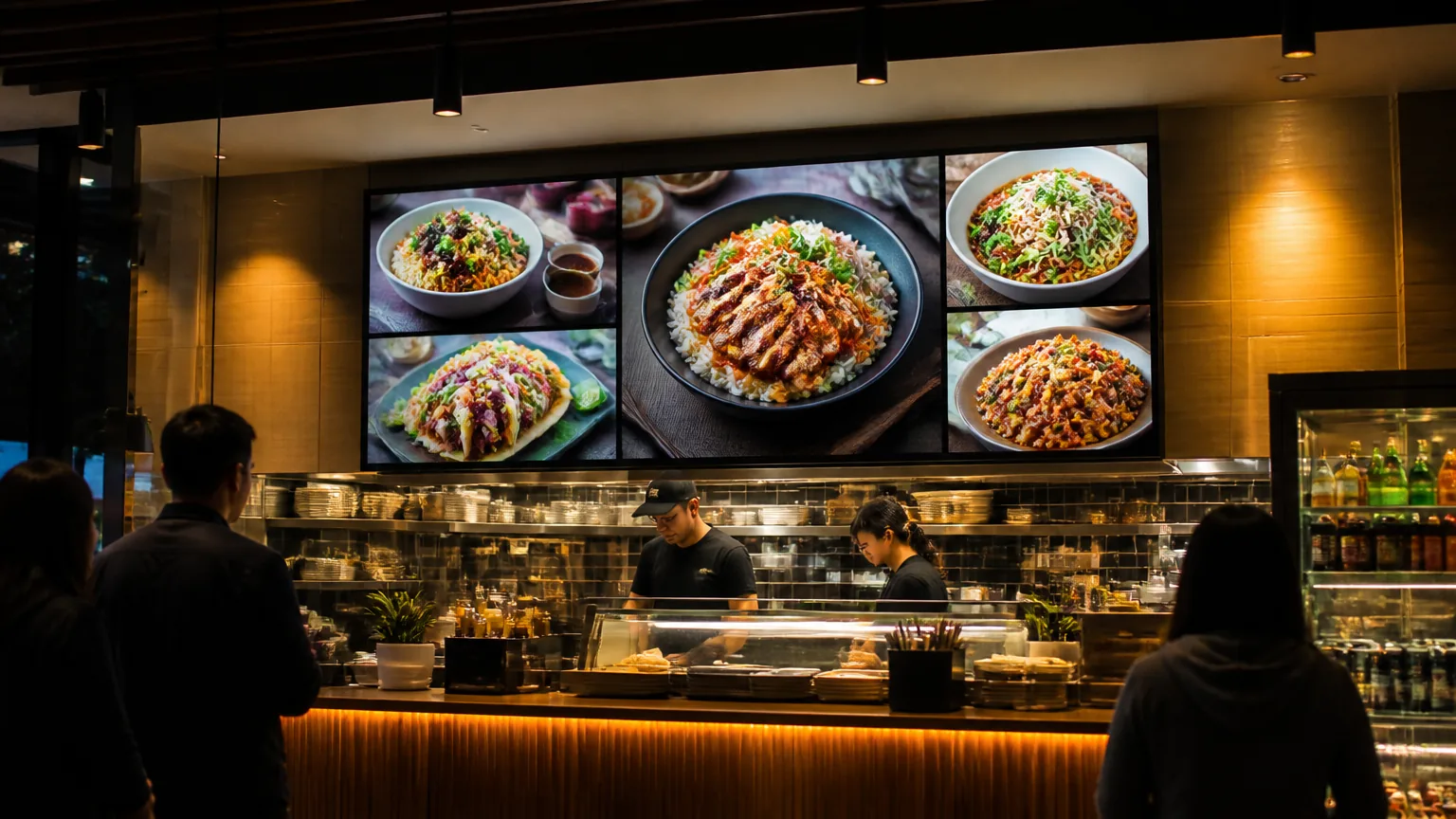
The three types of digital menu
A QR web menu. A page built for phones that guests open by scanning a code on the table. No hardware, no app, no printing. You edit the page; every printed code keeps working. This is the type most independent restaurants should start with.
A digital menu board. Screens behind the counter or in the drive-thru, replacing printed boards. Fast-food chains use them to update pricing on the fly and run flash promotions.
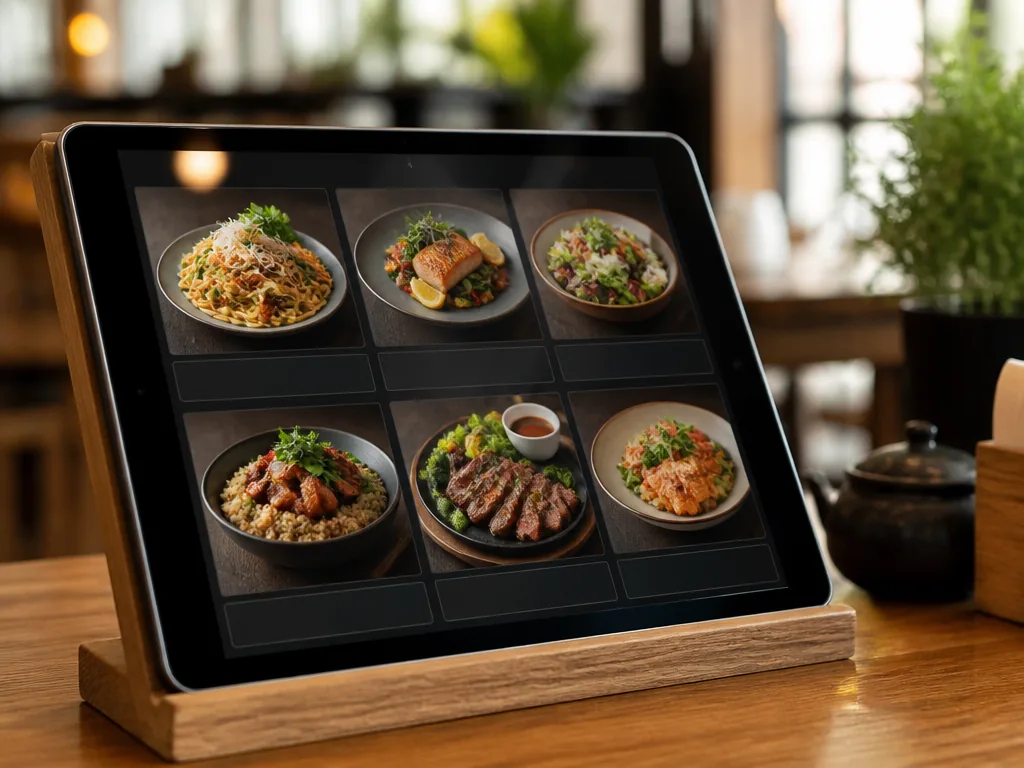
A tablet menu. Tablets on tables or at the counter, sometimes with ordering built in. Highest hardware cost and the most maintenance.
Why restaurants switch
Updates stop costing money. With paper, every price change is a reprint order. Industry reporting on digital displays describes restaurants updating pricing "on the fly" and pulling sold-out items instantly — which also builds trust, because guests never order something the kitchen has just run out of.
Upsells get easier. One agency cited by The Food Institute measured a 23% increase in average ticket size after promoting combos on digital displays, and QSR magazine has reported time-sensitive promotions driving a 20% sales boost. Numbers like those are vendor-flavored — treat them as directional — but the mechanism is real: screens make promoting combos and specials nearly free.
Guests expect it. After years of scanning everywhere, a fast, well-designed web menu is now the baseline expectation, not a novelty.
Which type fits your restaurant
A simple decision path:
- Independent restaurant or café? Start with a QR web menu. It costs almost nothing, works with your existing tables, and every guest with a phone already knows how to use it.
- Counter service with a queue? Add a digital menu board when print reprint costs start stinging — but get the web menu running first, because takeout and pre-order traffic read it too.
- Full service with table ordering ambitions? Tablets are optional, expensive and break. Most rooms do not need them.
The web menu is the foundation in every case. Build it once and it feeds your QR codes, your delivery listings and your social bios.
What a good digital menu needs
Whatever the screen, three things matter more than the technology:
Speed. A web menu that takes five seconds to load loses guests before the first category. Test yours on a mid-range phone over cellular, not just fast wifi.
Honest, strong photos. A few excellent dish photos outsell a photo on every item. Delivery platforms agree — DoorDash's merchant guidance requires clear, well-lit photos without text overlays, and notes that menus with images often see higher monthly sales.
Simple editing. If changing a price takes an email to a designer, your digital menu will decay exactly like paper did. Purpose-built tools — like MenuLolo's digital menu — are built so the owner edits directly.
How to start in one evening
- Build your menu page with categories and one-line descriptions in a menu maker.
- Fix your weakest dish photos — an AI food photo editor handles light and color in one pass.
- Publish, generate the QR code, print the table cards.
- Change something every week — that is the entire maintenance plan.
For the full build process step by step, see our guide on how to make a QR code menu, and for the layout rules that make scanning effortless, see QR menu design best practices.
Prefer the free route with no tool commitment? Our guide to putting an online menu for your restaurant walks the whole setup, start to finish.
What it costs, honestly
| Type | Hardware | Running cost | Best for |
|---|---|---|---|
| QR web menu | None — reuse existing table cards | Free to low monthly | Most independent restaurants |
| Digital menu boards | Screen + player per location | Hardware plus subscription | Counter service, drive-thru |
| Tablet menus | A tablet per table or two | Hardware, mounts, charging, repairs | High-ticket table service |
The digital menu in QR form wins on cost because it uses screens your guests already carry. Menu boards earn their keep only where a queue stares at a wall all day.
Common mistakes
A PDF behind the QR code. A pinch-and-zoom PDF on a phone is the worst of both worlds — build a real web page instead.
One photo taken in 2019. A stale photo on a digital menu is worse than none: the screen promises freshness the image does not deliver.
Changing nothing after launch. The entire advantage is free updates. If nothing ever changes on the page, guests stop scanning it.
Trusting your wifi. Wifi hides slow loads. Test the menu on mobile data, outside, on a mid-range phone — that is how guests will open it.
FAQ
What counts as a digital menu? Any menu guests read on a screen: a QR code linking to a web page, screens behind the counter, tablets on tables, or the menu pages on delivery apps. The common thread is that updates happen on the screen side, not by reprinting.
How much does a digital menu cost? A QR web menu is the lightest option — MenuLolo builds and previews it on a free tier, and publishing it for guests starts with a Starter or Pro plan; table cards are a one-time print. Digital menu boards add screen hardware, typically hundreds of dollars per screen.
Do guests still scan QR code menus? Yes. Surveys reported in 2026 find about seven in ten consumers consider QR codes helpful in daily life. The habit outlived the pandemic because updating a web menu costs nothing.
Is a digital menu better than paper? For freshness and cost, clearly yes — prices change the day they change. Most rooms keep one printed fallback for guests who prefer paper; the web menu becomes the primary. Still weighing paper against screens? Our comparison of printed vs digital menus lays out the honest trade-offs.