
著者:Emma Carter · 2026年9月18日
How to Write Menu Descriptions That Sell
Menu descriptions are the shortest sales copy in the world: one line to make a guest hungry, honest enough to survive the first bite. Most menus fail at this — they list ingredients when they could paint a picture.
The good news: writing menu descriptions that sell is a formula, not a talent. Below are the formulas, before-and-after examples, and the AI workflow — everything you can adapt to your menu tonight.
Key takeaways
- One technique word, one origin detail, one sensory verb — that is the formula.
- One line each: past two lines, it reads like homework.
- Keep every claim truthful; the plate must match the words.
- Bare-numeral prices pair naturally with strong descriptions; AI drafts fast, you verify every claim.
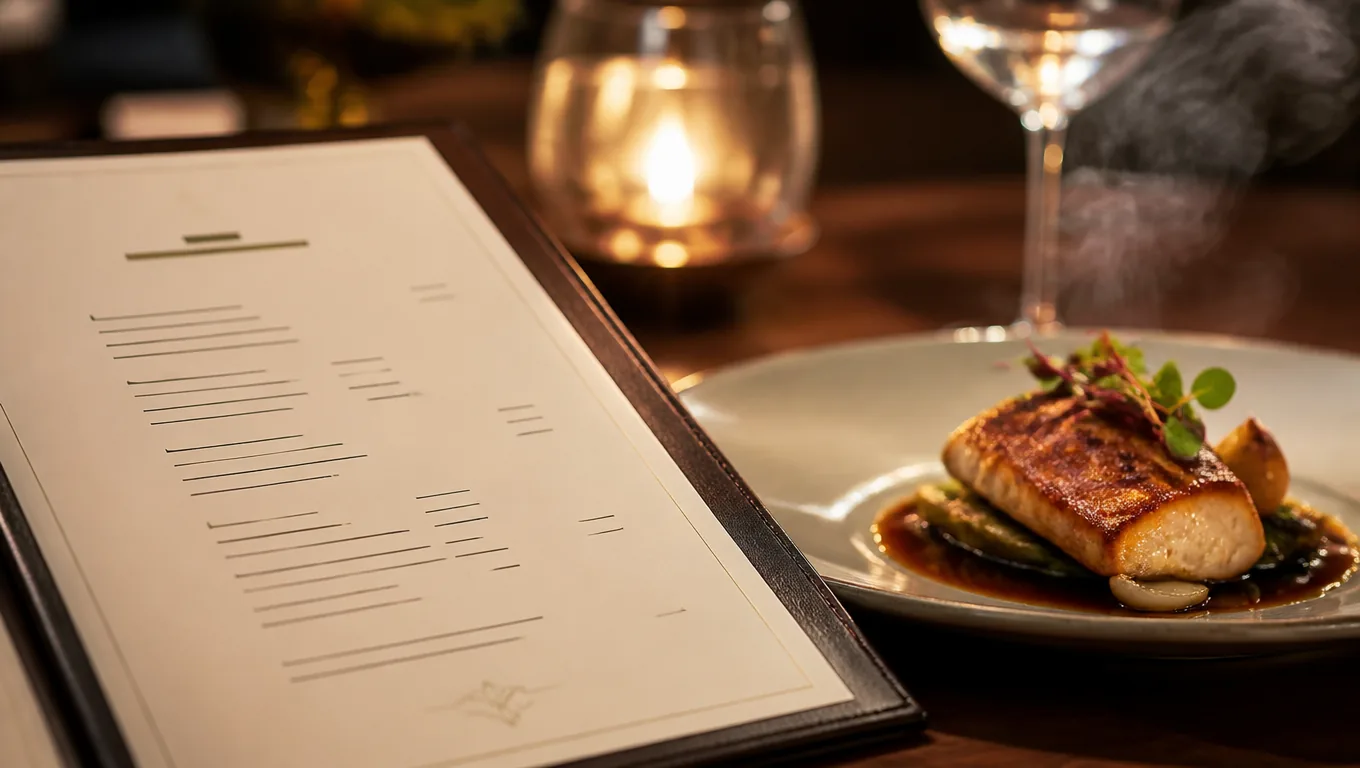
The five formulas
1. Name the technique. "Charred", "slow-braised", "hand-pulled", "wood-fired" — technique words tell the guest someone cared. "Grilled salmon" becomes "charcoal-grilled salmon, charred lemon".
2. Name the place. Origin specifics lift perceived quality: "Hokkaido scallops", "Neapolitan-style crust", "local farm eggs". Specific nouns are the cheapest upgrade in all of menu writing — they are how menu engineering shows up in plain language.
3. Lead with one sensory verb. Crispy, silky, smoky, bright. One per description — two starts sounding like perfume copy.
4. Cap it at one line. Past two lines, menu descriptions read like homework. If the dish needs three lines, the dish has too much going on.
5. Keep it true. Every claim must survive contact with the plate. DoorDash's listing rules require photos that honestly show the item — your words carry the same contract. A guest who ordered "fire-grilled" and got a microwaved bun does not come back.
Before and after
| Before | After |
|---|---|
| Salmon, lemon, butter | Charcoal-grilled salmon, charred lemon, herb butter |
| Club sandwich | Triple-stacked club with herb aioli on toasted sourdough |
| Tomato soup | Slow-simmered tomato soup, basil oil, toasted seeds |
| cheesecake | New-York style cheesecake, salted caramel, roasted pecans |
Notice what changed: technique appeared, ingredients became dishes, and every line still fits on one row of a phone screen.
Where pricing meets description
Description and price presentation work together. Cornell's field research on menu psychology found diners spent about 8% more per check when prices appeared as bare numerals — the description paints the dish, and the price without a "$" keeps them in the story. Both details are free to apply in a menu maker, and the full playbook — cost floors, anchoring, bundling — lives in our menu pricing strategies guide.
How AI helps (and where it doesn't)
AI is genuinely good at the mechanical half: turning "chicken, rice, vegetables" into structured, sensory one-liners, keeping length consistent, and suggesting technique words you might have missed. An AI menu maker drafts all twenty descriptions in a minute.
What it cannot do is know your kitchen. AI will invent "wood-fired" for a dish your oven never touched, and "imported" for ingredients you buy local. Treat every generated line as a draft — verify each claim before it publishes. Edited-for-truth AI output is the workflow; raw AI output is a liability.
One more honesty checkpoint pairs descriptions with photos. If the line says "charred lemon", the dish photo should show one. Descriptions, photos and the plated dish must tell the same story — that is what trust on a menu is made of.
Formulas by dish type
Mains: technique + cut + accompaniment. "Slow-braised short rib, smoked jus, potato purée."
Pasta: shape + sauce character + one fresh element. "Hand-pulled tagliatelle, slow-simmered ragù, torn basil."
Drinks: base + signature twist + serving ritual. "House negroni, orange-charred ice, stirred tableside."
Desserts: texture contrast + one indulgent noun. "Salted caramel cheesecake, roasted pecans, cold cream."
Four patterns cover ninety percent of a menu. Fill them with your specifics and the descriptions write themselves.
An AI prompt template that works
If you use an AI menu maker, feed it structure rather than vibes. A prompt that works:
"Rewrite these dishes for a {cuisine} menu. One line each, under 12 words. Include one technique word and one origin or ingredient detail. Keep every claim truthful — do not invent cooking methods."
Then paste your dish list. The output gives you consistent menu descriptions to edit line by line — faster than a blank page, far safer than raw AI copy.
A full AI menu generator goes one step further — it structures categories, pricing and photos around the descriptions you just wrote.
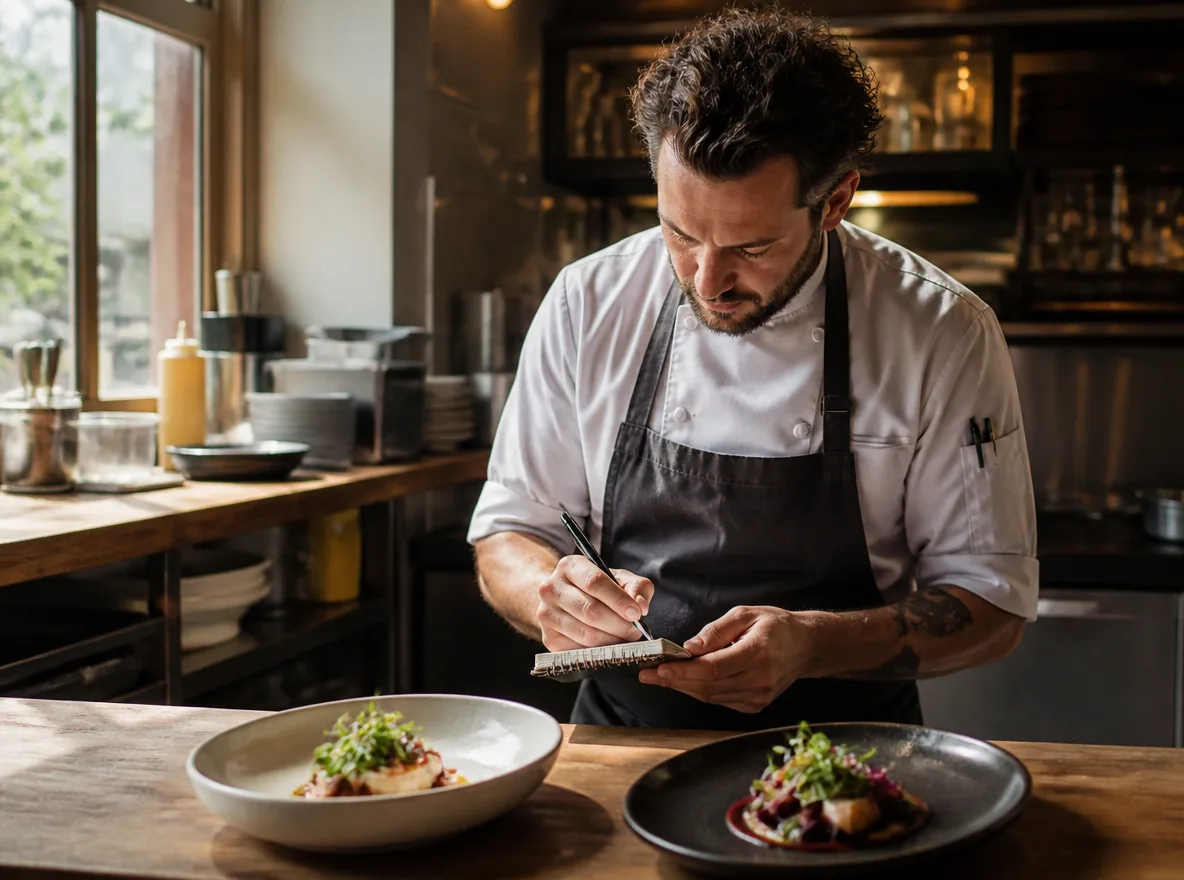
Common mistakes
- Ingredient lists. "Beef, onion, cheese, bun" informs; it does not sell.
- All caps or exclamation marks. "BEST BURGER!!" reads as a market stall, not a kitchen with pride.
- Inside jokes. "Uncle Tony's Mess" means nothing to a first-time guest.
- Dietary details in the description. Allergens belong in a tag, not stealing your one sales line.
- Writing them once, forever. Descriptions decay like everything else on a menu. Revisit the bottom sellers each month — our menu design tips cover the full review routine, and a QR code menu makes same-day rewrites free.
FAQ
How long should a menu description be? One line — roughly eight to twelve words. Long enough to paint one picture, short enough to read on a phone without truncation.
What makes a menu description effective? Three things: a specific noun (technique or origin), one sensory word, and honesty. "Charcoal-grilled salmon, charred lemon" beats "grilled salmon with lemon" because it tells a story the kitchen can actually deliver.
Can AI write my menu descriptions? AI can draft them fast and keep formatting consistent — that part works well today. You must verify every claim against what the kitchen actually serves, because AI invents plausible details like cooking methods.
Should descriptions include prices? Prices belong beside the description, not inside it — and research suggests presenting them as bare numerals rather than "$12.00". Let the sentence sell the dish and the number close it.
Quick recap
- Menu descriptions sell with one technique word, one origin detail and one sensory verb.
- One line each — past two lines, it reads like homework.
- Keep every claim truthful; the plate must match the words.
- Bare-numeral prices pair naturally with strong descriptions.
- AI drafts menu descriptions fast; you verify every claim.
That is the whole playbook. The rest is repetition and a seasonal refresh.