
著者:Daniel Reyes · 2026年9月20日
Printed Menu vs Digital Menu: Which to Choose
The printed menu versus digital menu debate is usually framed as a choice, which is why it's usually framed wrong.
Printed and digital menus are good at different jobs — one is a physical object that lives on the table, the other is a living page that lives everywhere — and most restaurants end up needing both.
Here's the honest comparison: where each format wins, what each really costs, and how to combine them without doubling your work.
Key takeaways
- The one real difference: print is frozen, digital is living — everything else follows.
- Print wins at the table; digital wins on updates, reach and every change cycle.
- US commercial printing prices rose about 59% since 2020; every reprint costs more.
- Hybrid wins: live menu as source of truth, QR cards at the table, print for keepsakes.
What's the actual difference between printed and digital menus?
A printed menu is fixed: beautiful, tangible, and frozen at the moment of printing. A digital menu is a web page: openable from anywhere, and editable the moment something changes. Everything else follows from that one difference.
| Dimension | Printed menu | Digital menu |
|---|---|---|
| Updating | Reprint for every change | Edit and save — live in about a minute |
| Where guests reach it | Only at the table | Anywhere: Google, socials, QR codes, messaging |
| Cost structure | Per-print runs; rises with every change | Build once; edits are free |
| Photos & detail | Limited by page space | Unlimited: photos, tags, sold-out states, languages |
| Failure modes | Runs out, goes stale | Link dies if the platform does |
Neither column is a winner across the board — which is exactly the point.
Where printed menus still win
Print earns its keep in three places. The table itself: a well-made card sets the tone before a word is read — for fine dining, a printed menu is part of the experience, the way cloth napkins are. Zero-friction reading: no camera, no load time, no battery; the guest picks it up and starts.
And permanence: printed materials don't depend on anyone's subscription or a phone signal in a stone-walled cellar.
A tasting-menu card, a drinks list that changes twice a year, a counter board for a fixed-routine café — these are printed menus doing work digital can't improve on.
Where digital menus win — decisively
The update problem is the whole ballgame. Restaurant reporting on digital displays puts it plainly: they let restaurants "update pricing and menu items on the fly" (foodinstitute.com).
Printed menus can't.
And reprinting isn't free — US commercial printing prices rose about 59% between January 2020 and August 2026 according to the BLS Producer Price Index for commercial printing (BLS series WPU094711 via FRED), so the paper route gets more expensive with every price cycle.
A restaurant that reprices quarterly prints a whole menu four times a year to change a few digits.
Reach is the second gap. A printed menu only works for people already sitting down. A digital menu works for the guest deciding on the sidewalk, the friend group choosing on a chat, and the regular forwarding tonight's specials.
The scan-in behavior is fully mainstream now — 71% of consumers consider QR codes helpful in daily life, per Uniqode's 2026 report (foodinstitute.com).
Detail is the third. Photos of every dish, tags for dietary needs, sold-out states that update mid-service, a second language for tourists — a web menu carries all of it; a card carries what fits.
Our what is a digital menu primer breaks down the formats if you're weighing options.
What does each format really cost?
Sticker price misleads in both directions. Printing looks cheap until you count runs — design files, proofing, and a print shop visit per change, at prices that climbed about 59% in six years.
Digital looks like a subscription until you count changes — on a live menu, an edit is minutes and costs nothing, so the cost curve stays flat no matter how often prices move.
| Change scenario | Printed route | Digital route |
|---|---|---|
| One price change | Full reprint run | Edit + save |
| Sold-out dish mid-service | Can't | Hide it in seconds |
| Seasonal specials | New print or sticker | One edit, everywhere |
| Adding a second language | Another print run | Built into the page |
The pattern: the more your menu changes, the more the digital route wins — and menus change more than most owners plan for.
Do you still need a printed menu if you go digital?
Usually yes — just a smaller one. The hybrid most restaurants land on:
- Digital as the source of truth. One live menu, edited in one place — our menu maker workflow — with prices, photos and availability kept current.
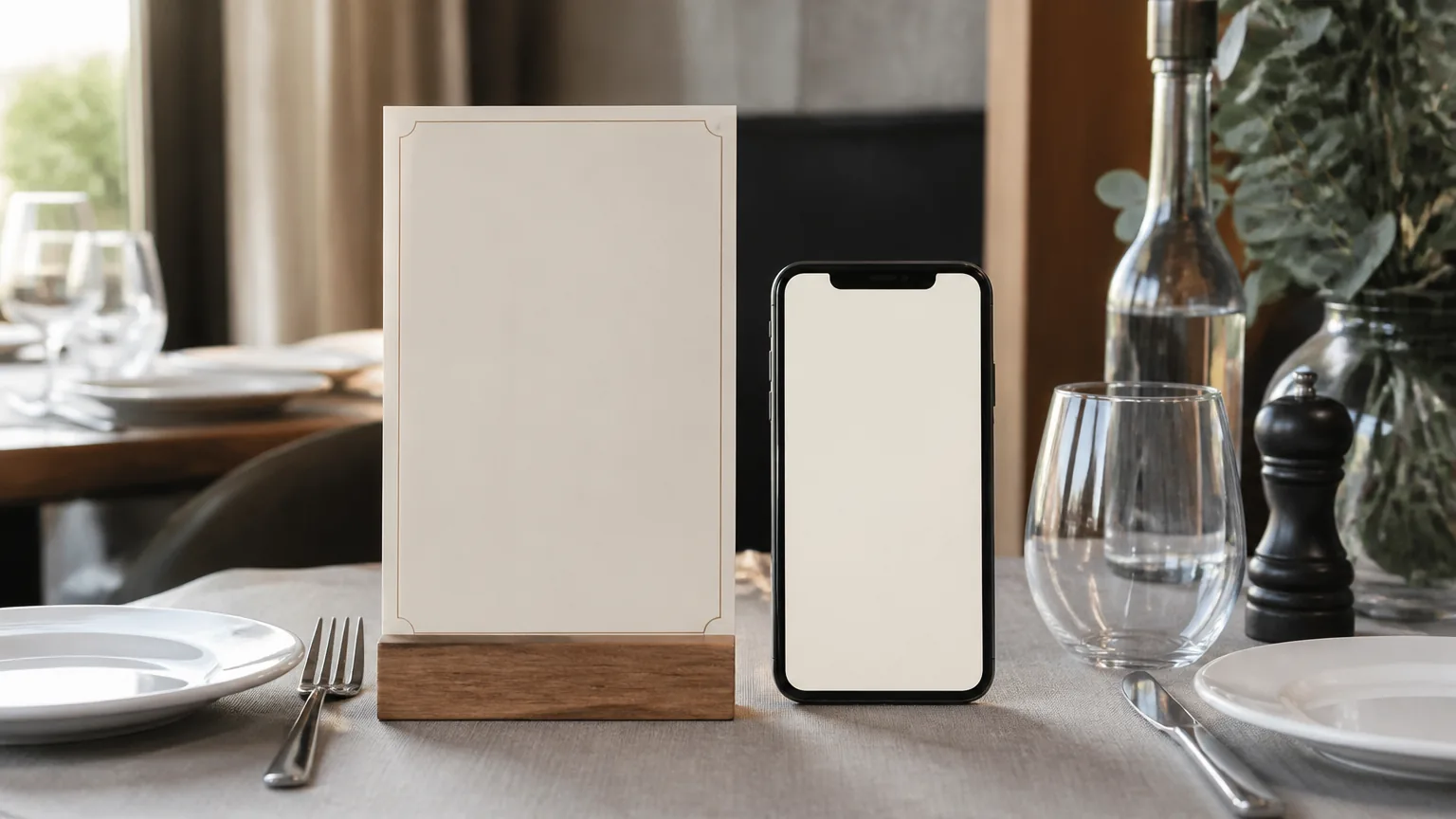
- A QR code menu on the table. The printed card stops carrying dishes and starts carrying the door: a well-printed QR (with the standard four-module quiet zone) pointing at the live page, so the card never goes stale.
- Print for what print is good at. A drinks card, a counter board, a tasting-menu keepsake — the fixed-format pieces where paper adds experience rather than maintenance.
This split gets the best of both: the table keeps its object, and every price change costs you a save button instead of a print run. Our free QR code menu guide covers the QR side in detail.
And if you decide to go fully digital, our guide to an online menu for your restaurant covers the free step-by-step setup.
When is a printed menu still the right call?
When the menu barely changes and the room sells atmosphere. Fine dining tasting rooms, wine lists, and venues where the menu is a keepsake all justify print on experience alone.
The pragmatic test: if your menu changed three or more times in the past year — prices, specials, sold-outs — the digital route has already won on maintenance. If it changed once, print comfortably pays for itself.
One more honest note: hybrid is the default, but the workflow isn't optional. Every restaurant now needs the menu online somewhere — guests check before they visit.
The question isn't really "printed or digital"; it's "what's the single place the menu gets updated, and does the paper version inherit from it?"
FAQ
Are printed menus better than digital menus?
Neither — they're better at different jobs. Print wins on permanence, atmosphere and zero-friction reading; digital wins on updates, reach and detail. Most restaurants run a hybrid: one live menu as the source of truth, print for the fixed-format pieces.
How much more expensive is printing getting?
US commercial printing prices (BLS PPI, series WPU094711) rose about 59% between January 2020 and August 2026. Every reprint cycle now costs meaningfully more than it did six years ago.
Is a QR code menu a digital menu?
It's the doorway to one. The QR points at a live web page, so the code itself never changes — print it once, and every later edit reaches the table through the same square.
Do guests dislike digital menus?
The mainline complaints are slow pages and stale PDFs, not the format — scan behavior is mainstream, with 71% of consumers calling QR codes helpful in daily life. A fast, phone-shaped page with real photos removes the friction.
What should a restaurant do first?
Put the menu online as a live page, then point a printed QR card at it. That single move fixes updating, reach and the reprint bill — and print stays only where it adds experience.
Quick recap
- The one real difference: print is frozen, digital is living — everything else follows.
- Print wins at the table; digital wins everywhere else, and on every change cycle.
- Printing prices are up ~59% since 2020; the paper route's cost grows with every change.
- Hybrid wins: live menu as source of truth, QR cards at the table, print for keepsakes.
- Choose by change frequency — if the menu changed three times last year, digital already won.
Whichever way you lean, start with the live version: build it free in our menu maker, print the QR, and let paper do what paper is actually good at.