AI food photo editor
AI Food Photo Enhancer for Restaurants
Upload an ordinary photo of your dish — our AI food photo retouching improves light, color, sharpness and background in seconds, turning it into a menu shot that whets appetite and helps sell more dishes, while keeping the food exactly as it is.
Your enhanced photo will appear here.
AI food photo enhancer
From phone snapshot to menu-ready
Real before-and-after examples from the MenuLolo pipeline — pick a background, decide on clutter, choose a colour style: the same options your photos get.
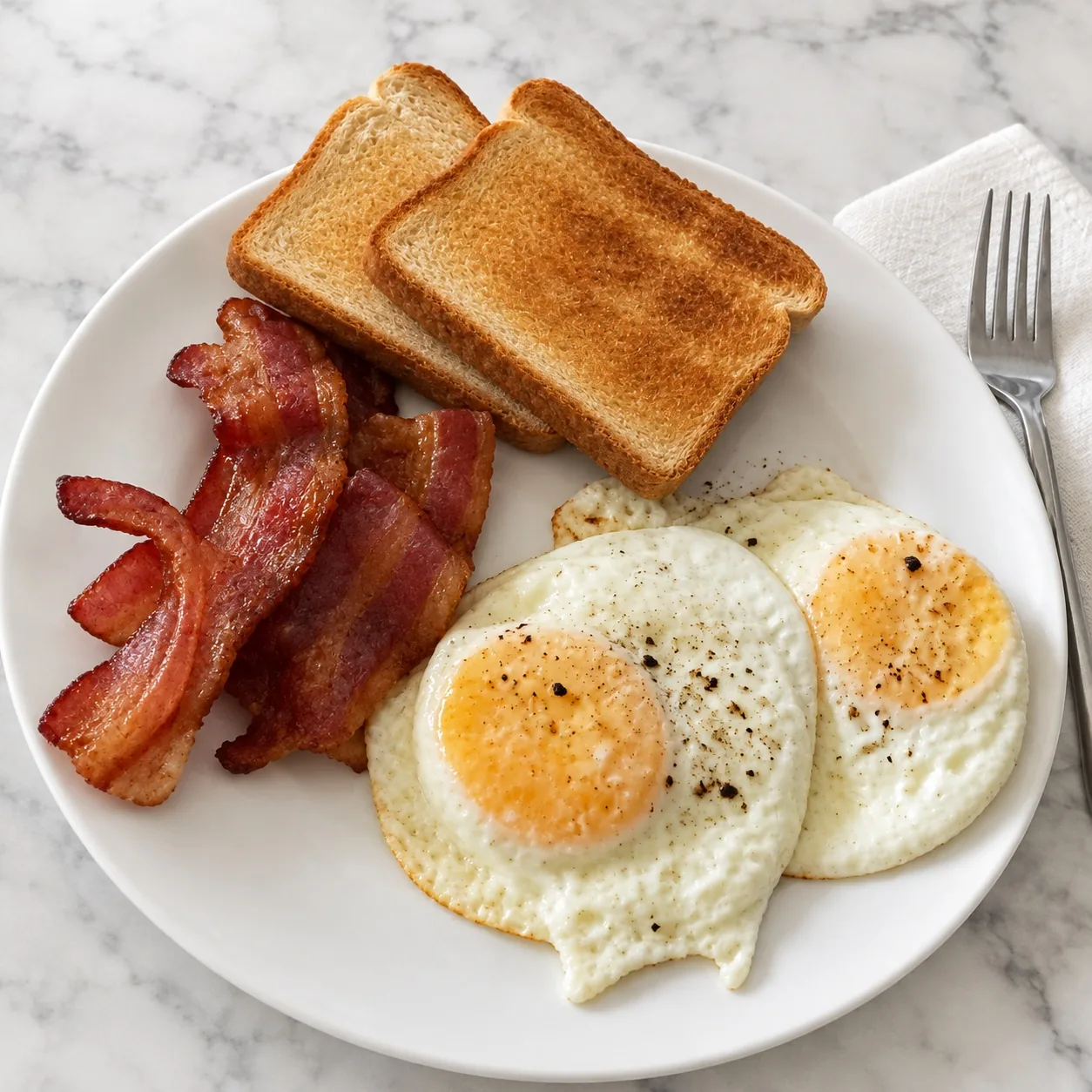
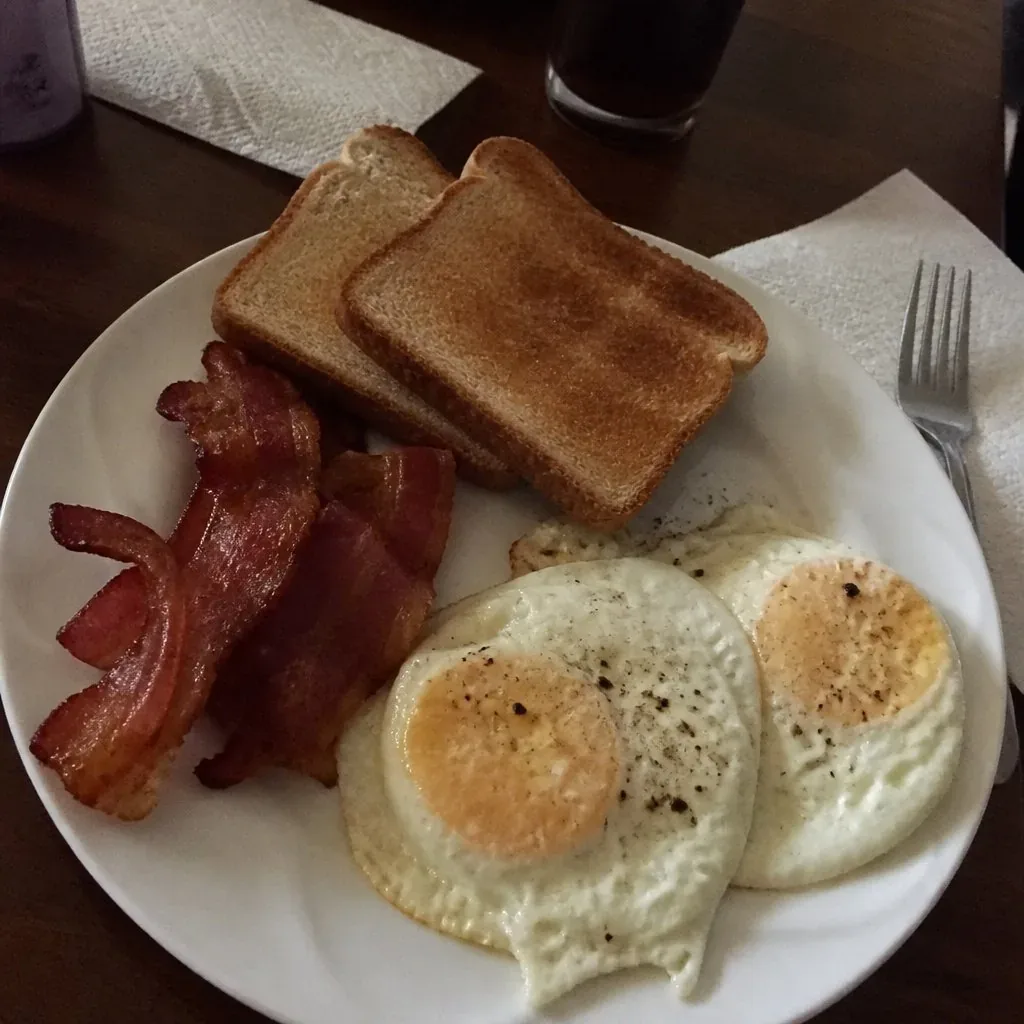 Before
Marble · Remove clutter · Natural & Clean
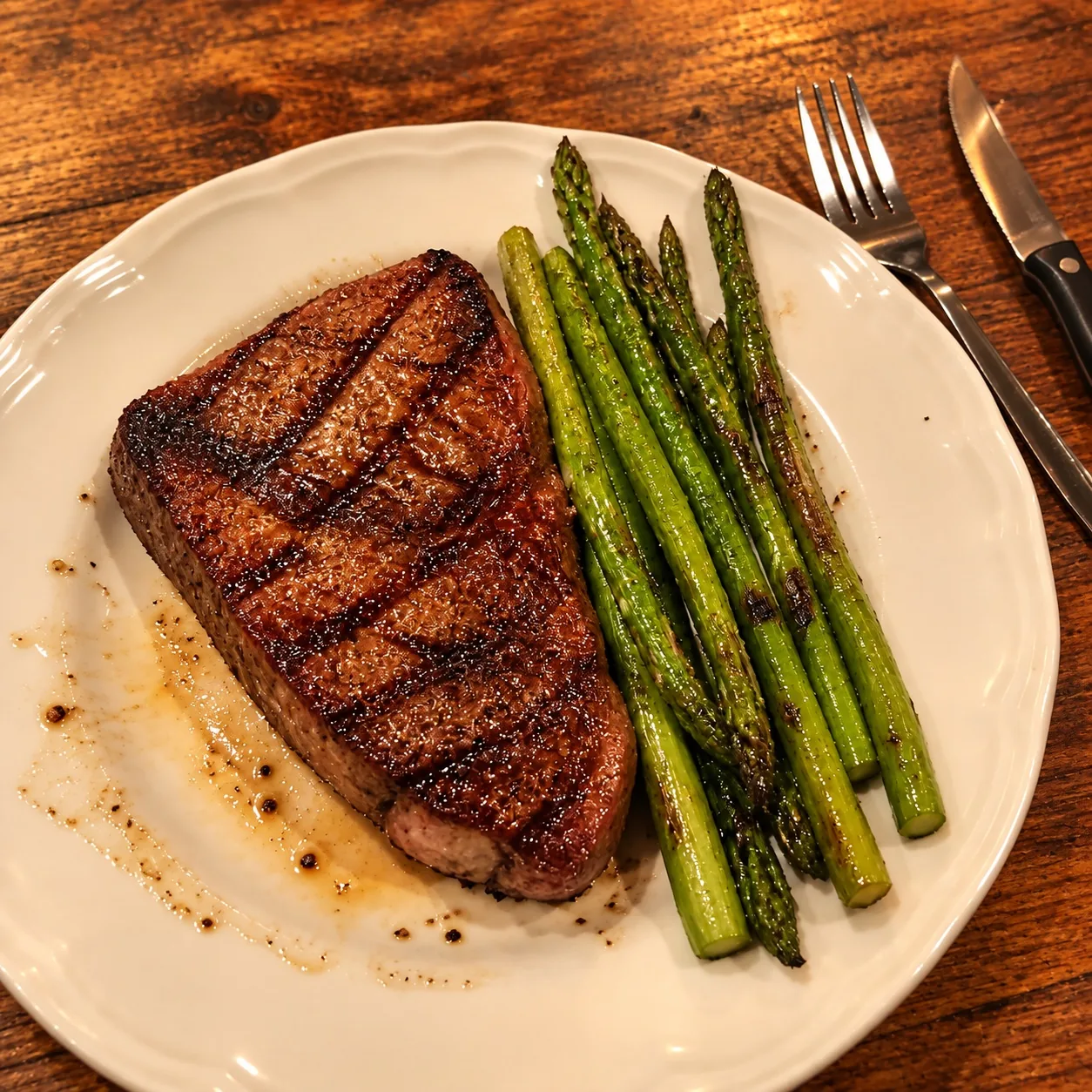
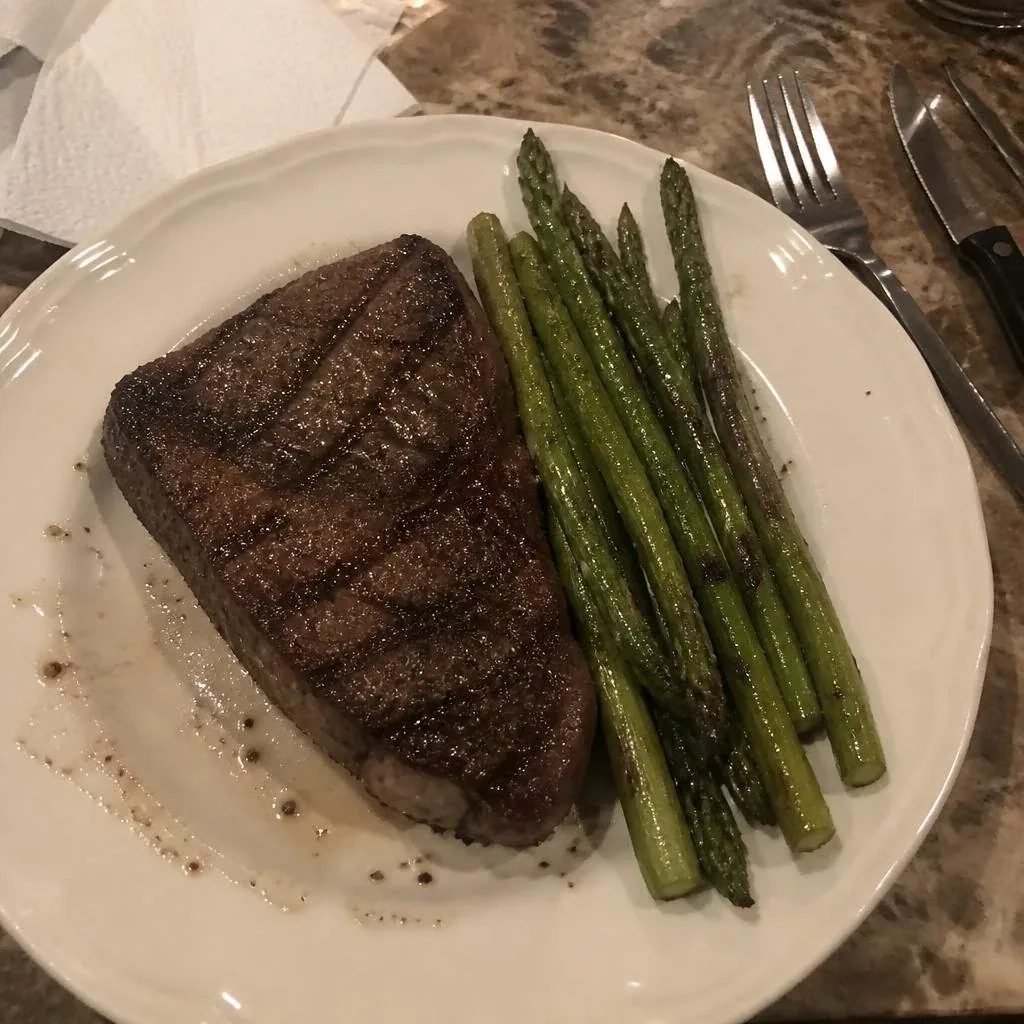 Before
Wood · Remove clutter · Warm & Appetizing
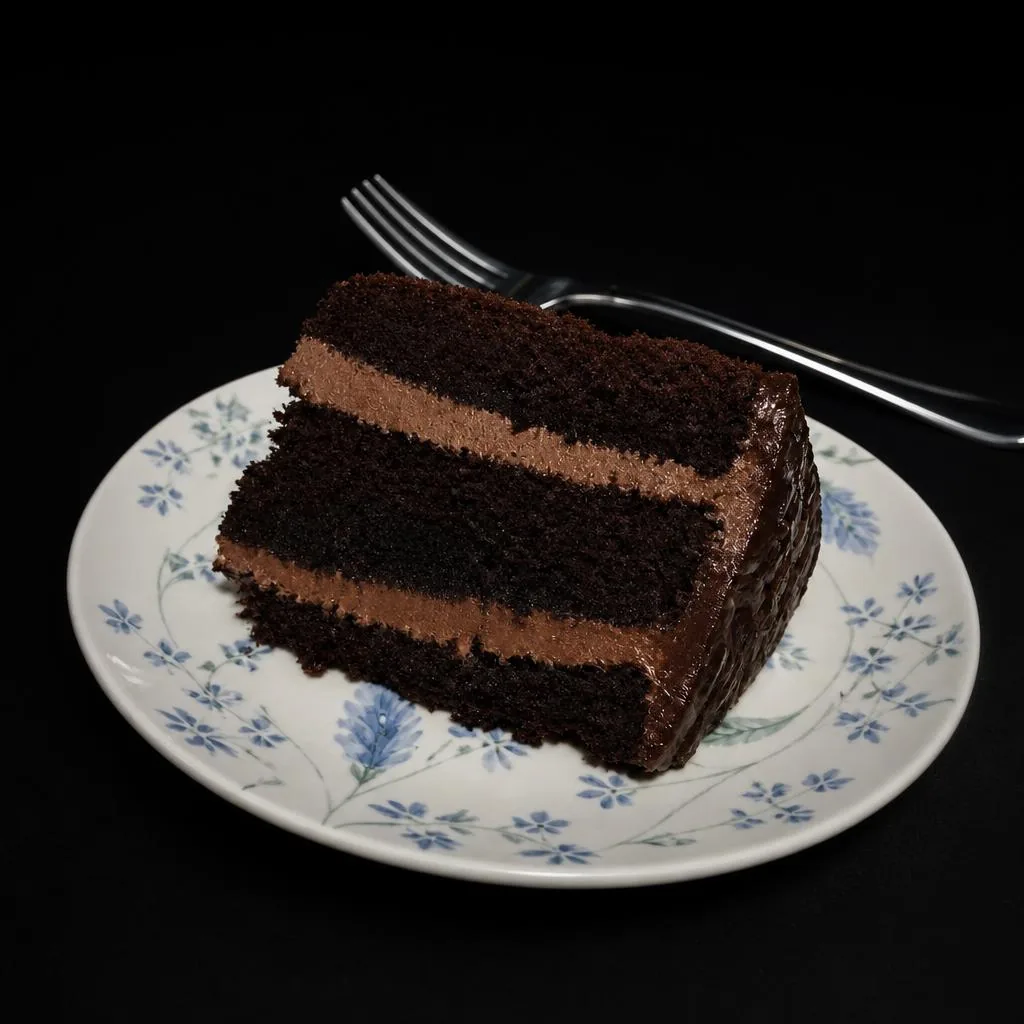
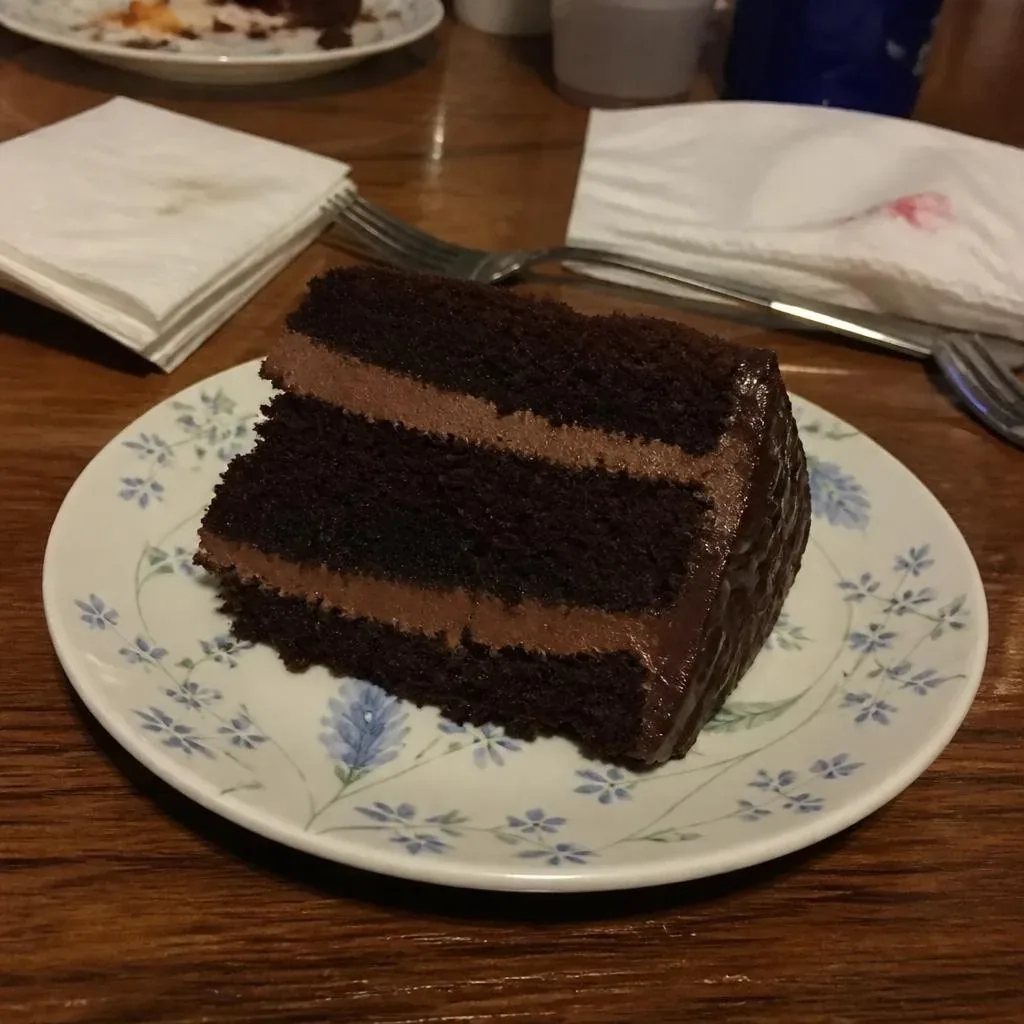 Before
Black · Remove clutter · Cool & Premium
Three steps to a professional dish photo
Upload your photo
Any phone snapshot — JPG, PNG or WebP, up to 10MB.
Pick background & style
Seven backgrounds from black to café wood, three colour styles — matched to your restaurant.
Get a menu-ready shot
In about 10–30 seconds your photo comes back enhanced, dish untouched.
Professional food photography, without the photographer
Great dish photos sell more. But studio shoots are expensive and phone photos rarely do your food justice — dark lighting, cluttered tables, washed-out colors.
MenuLolo's AI food photo retouching is trained on menu photography: it fixes exposure and white balance, sharpens texture, and lets you place your dish on any of seven backgrounds in three colour styles.
Unlike generic AI tools, MenuLolo never invents ingredients or reshapes your dish. What guests see on the menu is what they get on the plate — that trust is your reputation.
Three styles, one for every dining room
Seven backgrounds and three colour styles — pick the combination that matches your restaurant.
Natural & Clean
Soft airy light, low-saturation true-to-life colours — the safe, universal look for every menu.
Cafés · Brunch · Everyday menus
Warm & Appetizing
Boosted reds and oranges, rich juicy colour — makes dishes look delicious and drives orders.
Grills · Burgers · Comfort food
Cool & Premium
Subtle cool tones, crisp highlights — a premium feel for drinks and refined plates.
Bars · Desserts · Fine dining
Frequently asked questions
Do I need an account to try it?
You can upload and preview your photo without an account. Creating a free account (10 refinements per month) unlocks AI enhancement.
How long does one enhancement take?
Typically 10–30 seconds. The enhancement runs in the background — keep this tab open and the result appears automatically.
Will the AI change my dish?
No. Our prompts explicitly forbid adding, removing or reshaping food. The enhancement only touches light, color, sharpness and background.
What photo works best?
Any recent phone photo works — natural light helps. Frame the whole dish, avoid heavy filters, and shoot from 45 degrees or top-down. The AI handles the rest.
What happens when I run out of refinements?
Free accounts get 10 refinements per month. When they run out you can upgrade to Starter (100/mo) or Pro (500/mo) — counts reset monthly.
Will AI food photos look fake?
No — MenuLolo is built for true-to-life retouching. The AI improves light, color and sharpness but never invents ingredients or reshapes your dish, so guests see exactly what the kitchen serves.
How does this compare to hiring a food photographer?
A professional shoot typically costs hundreds of dollars per session and needs scheduling, styling and reshoots. MenuLolo's AI food photo enhancer gives you 10 free refinements every month from any phone photo — same-day, no studio required.
How do I choose background and style?
Match the background to your room — wood for rustic tables, white for delivery platforms, black or marble for evening dining. Warm & Appetizing boosts reds for grilled dishes; Cool & Premium suits drinks and desserts. Try combinations on the same dish — enhancement is free to start.